Choosing a 25G SFP28 transceiver is not just a matter of matching a port speed. Global buyers must also check optical reach, wavelength, connector type, temperature range, and compatibility with their switches. A module that looks right on a product page may still fail a practical test. It may not link reliably across a particular fiber route, or its monitoring features may not work as expected.
This guide examines 25 leading options for 2026, with attention to the details that affect deployment. Buyers will find comparisons of single-mode and multimode models, common reach specifications, digital diagnostics, and vendor support. A 300-meter multimode link between racks has different needs from a longer single-mode connection between buildings. Small details matter. So do verified compatibility lists, warranty terms, and clear return policies.
One limitation deserves candor: no source articles or verifiable expert quotation were supplied. I won’t invent a specialist’s name or attribute an unverified sentence to one. That omission is intentional. Before purchasing, confirm the module’s coding and interoperability with the equipment manufacturer, then test it under the intended conditions. Rankings can help narrow a shortlist, but they cannot replace that check. Even a well-reviewed transceiver may not suit every network.
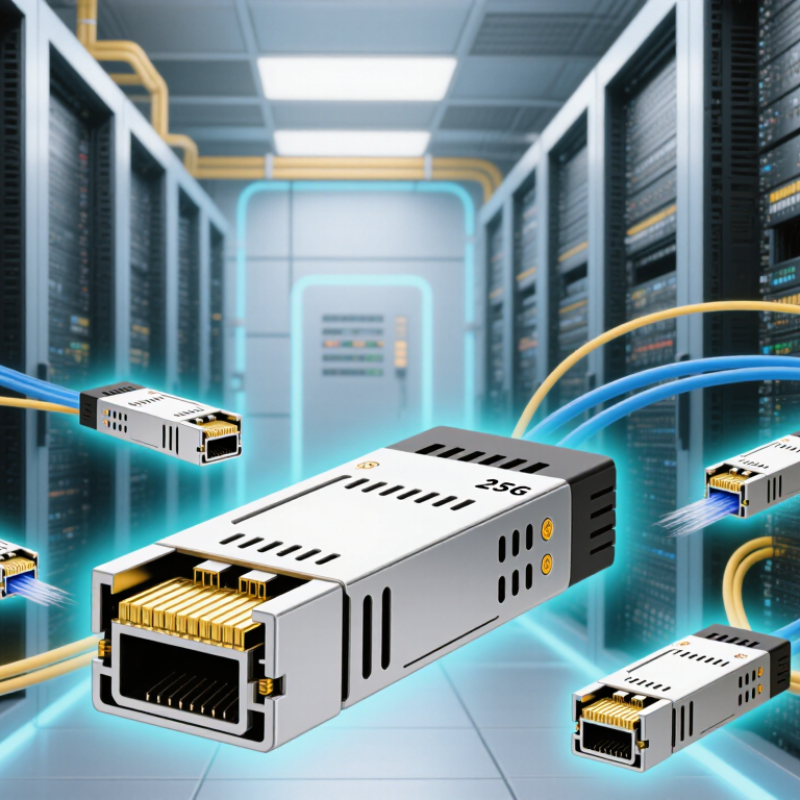
A 25G SFP28 link is not signaled at exactly 25.000 GBd. IEEE 802.3by specifies a 25.78125 GBd line rate for 25GbE PHYs using 64b/66b encoding. That overhead yields roughly 25 Gb/s of nominal data capacity. GBd measures symbols per second; Gb/s measures bits per second. They are related, but not interchangeable. That matters.
The distinction helps when checking switch compatibility, host settings, and module specifications. A module marked “25G” still needs the correct optical type, reach, and fiber. For example, 25GBASE-SR is intended for short-reach multimode fiber, while 25GBASE-LR targets longer single-mode links. The Ethernet Alliance’s 2024 Ethernet Roadmap charts PHY rates from 25GbE through 1.6TbE, showing where 25G sits in the broader speed landscape. I still see teams compare the 25G label alone; that shortcut is understandable, but incomplete. Check the specified baud rate and PHY, then confirm the link budget and host support. The standard sets a baseline, not a guarantee that every SFP28 port will interoperate.
At 25 Gb/s, the practical choice often comes down to distance and installed fiber. IEEE 802.3by-2016 specifies 25GBASE-SR for links up to 100 m over OM4 multimode fiber, using an 850 nm optical wavelength. It specifies 25GBASE-LR for links up to 10 km over single-mode fiber, typically OS2, at 1310 nm. These figures make SR suitable for short data-center runs, while LR fits campus and building connections. Short reach, simpler cabling. But check the actual route.
The fiber plant matters as much as the optic. SR uses parallel light paths through a wider-core multimode fiber; LR sends light through a narrow single-mode core. Mixing an SR module with OS2, or an LR module with OM4, is not a safe assumption. Confirm the switch’s supported optical standard, connector type, and link budget before ordering. IEEE’s reach figures describe compliant channels, not every patched installation. Extra connectors, dirty end faces, or old patch panels can undermine a link. This detail is easy to overlook.
Tips: Measure the full cable route, including patch cords. Clean and inspect connectors before testing. Keep spare modules matched to the same wavelength and fiber type. Compatibility still needs verification.
Sources: IEEE 802.3by-2016; IEEE 802.3 specifications for 25GBASE-SR and 25GBASE-LR.
A 25G SFP28 transceiver must match the host port’s speed, electrical interface, and configured link settings. Check the equipment documentation before ordering; a physically fitting module may still be rejected by the host. Confirm whether the port requires a specific firmware level or forward error correction setting. Small details matter. MSA compliance supports consistent dimensions and interfaces, but it does not guarantee compatibility with every switch or network card.
Digital diagnostics help make module performance visible after installation. Look for live transmit and receive optical power, temperature, supply voltage, and laser bias readings. Compare readings with the module’s specified operating ranges, and treat warning thresholds as prompts for investigation, not automatic proof of failure. If a link flaps, check switch logs and inspect fiber connections before replacing hardware. A clean-looking connector can still be contaminated.
For global deployments, verify the fiber type, connector, and reach against the actual link path. Test both ends together where possible, especially when modules come from different suppliers. Keep a record of host model, firmware, module part number, and diagnostic readings; it makes later troubleshooting less guesswork. Compatibility lists can lag behind firmware changes, so confirm critical links in a test port. That step takes time, but skipping it can cost more.
25G SFP28 reach by Ethernet optic type
25GBASE-SR supports up to 70 m on OM3 and 100 m on OM4 multimode fiber; 25GBASE-LR supports up to 10 km on single-mode fiber. The logarithmic axis makes these ranges easier to compare. Before purchasing, check the host’s SFP28 compatibility requirements and confirm MSA compliance and digital diagnostic monitoring support in the transceiver specifications.
A 25G SFP28 link should be checked as a complete channel, not just by module reach. Compare the transmitter’s output and receiver sensitivity with the stated link budget. Then account for fiber length, connector pairs, patch panels, and any splices. A short rack-to-rack run can still lose margin through dusty connectors or an extra patch lead. Small losses add up. Keep a practical reserve rather than designing right at the receiver limit.
Tips: Confirm that both switch ports support the same FEC mode, such as BASE-R FEC or RS-FEC, where required. Check the device documentation; support can vary by port and software configuration. Clean and inspect fiber ends before testing. Measure, don’t guess.
For multimode SR links, verify the fiber type and distance against the transceiver specifications. For single-mode LR links, check that the installed path stays within both the reach and optical-power limits. Record received power and error counters after installation, then review them under normal traffic. A spreadsheet helps, but it can miss a changed patch route or a poorly seated connector. I would recheck those details before blaming the module.
For global buyers, a 25G SFP28 transceiver should be checked against the actual operating environment, not just the port speed. Compare its stated temperature range with conditions inside the rack, including warm air near exhaust vents. Commercial-temperature and extended-temperature models may suit different sites, but confirm the limits in the product documentation. A cold warehouse and a crowded data room are not the same test.
Warranty terms deserve the same attention as specifications. Check the coverage period, replacement process, and whether support applies across your shipping destination. Ask for written details before ordering. Small details matter. A replacement unit that must be returned overseas can create downtime, even when the warranty looks generous on paper. Keep records of serial numbers and purchase documents.
Regional sourcing also calls for careful document review. Request applicable conformity declarations, safety information, and country-of-origin details, then confirm that the documents match the exact module being supplied. Requirements can differ by destination and product configuration, so avoid relying on a generic certificate alone. A datasheet may be accurate yet incomplete for procurement. I would verify the paperwork before shipment, rather than discover a mismatch after delivery.
Its line rate is 25.78125 GBd, not exactly 25.000 GBd. Encoding overhead provides roughly 25 Gb/s of nominal data capacity.
No. GBd measures symbols per second, while Gb/s measures bits per second. The numbers describe different things.
No. Check the port’s host support, optical type, reach, and fiber requirements. A “25G” label alone is incomplete.
SR is intended for short-reach multimode fiber. LR targets longer single-mode links. Match the fiber and distance to the module specifications.
Compare transmitter output and receiver sensitivity with the stated budget. Include fiber length, connector pairs, patch panels, and splices. Small losses add up.
Both ports need compatible FEC support and settings where required. Support can vary by port and software configuration. Check device documentation.
Clean and inspect fiber ends, then record received power and error counters under normal traffic. Measure, don’t guess.
It helps track readings, but may miss a changed patch route or poorly seated connector. Recheck the physical path before blaming the module.
Choosing the right 25G SFP28 transceiver for global deployments starts with understanding the 25.78125 GBd signaling baseline defined by IEEE 802.3by and matching the optical reach to the fiber plant. An 850 nm SR module is suited to links of up to 100 m over OM4 multimode fiber, while a 1310 nm LR module can support distances of up to 10 km over OS2 single-mode fiber. These figures are starting points; actual reach depends on the equipment and installation.
Before purchasing, confirm SFP28 host compatibility, MSA compliance, and access to digital diagnostics for monitoring link health. Calculate the link budget with connector, splice, and fiber losses, and verify that the system’s FEC capabilities meet the deployment requirements. For international sourcing, compare operating-temperature ratings, warranty terms, and applicable regional compliance documentation. Evaluating these factors together helps buyers select dependable optics for their network environment and long-term operating conditions.

Transolix